inzpyre.me
Learn AITools

05 · Proof in builds

Examples.

AI Disruption Score, AI Bundestrainer, Dopafy, and more. What we built ourselves, and how it came together.

Instead of only explaining, we show you what actually comes out the other end.

Four products, two workflows · Reading time about 8–12 minutes · As of June 2026

Products

Apps and tools we built

Four products of our own — from a viral web tool to a platform in the making. Each built with AI, each with a real story behind it.

01 · Case study

AI Disruption Score

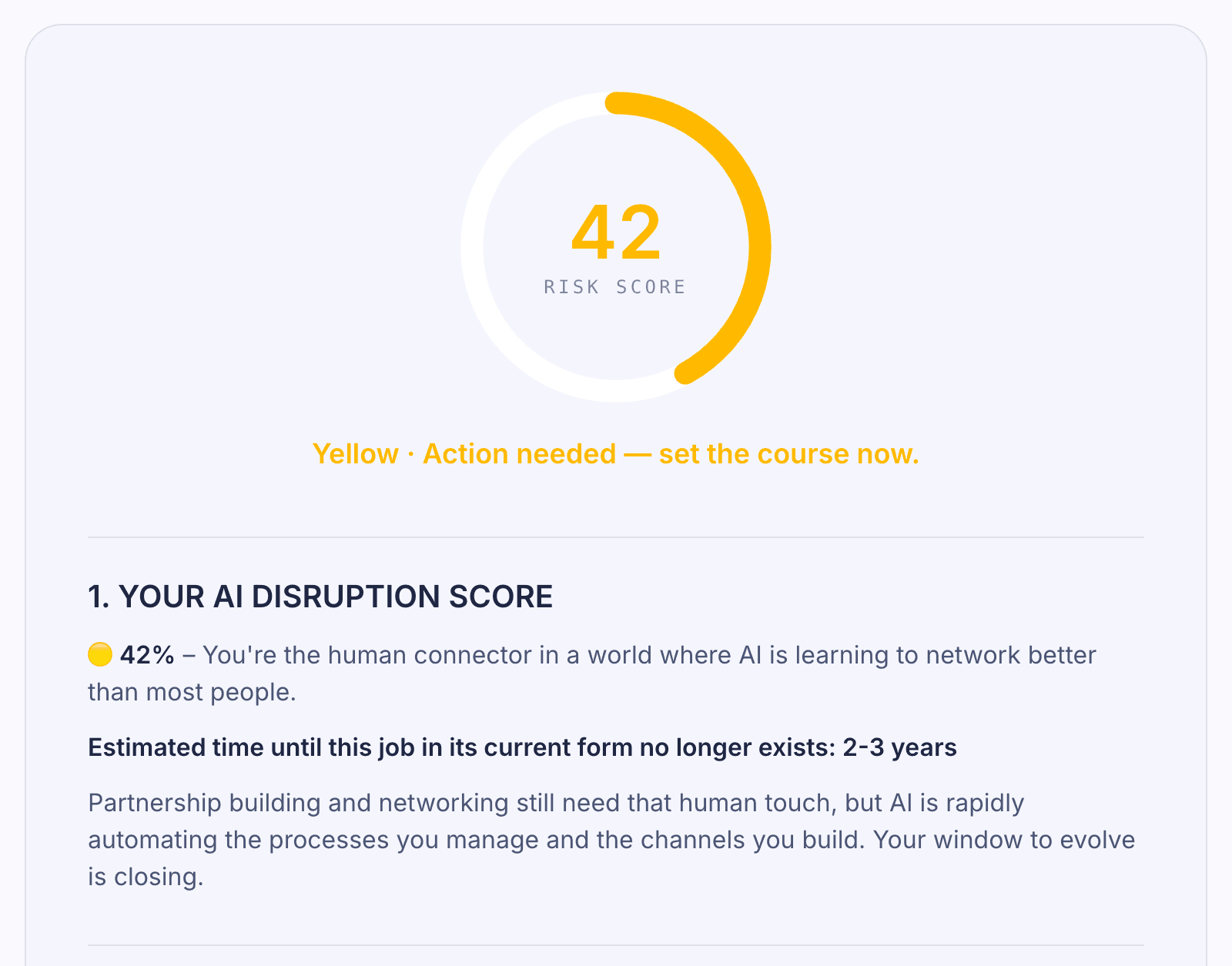
A web tool. You drop in your LinkedIn profile, the AI tells you honestly how disruptable your job is over the next few years. Plus: which skills are about to matter and what you should learn today.

Image story
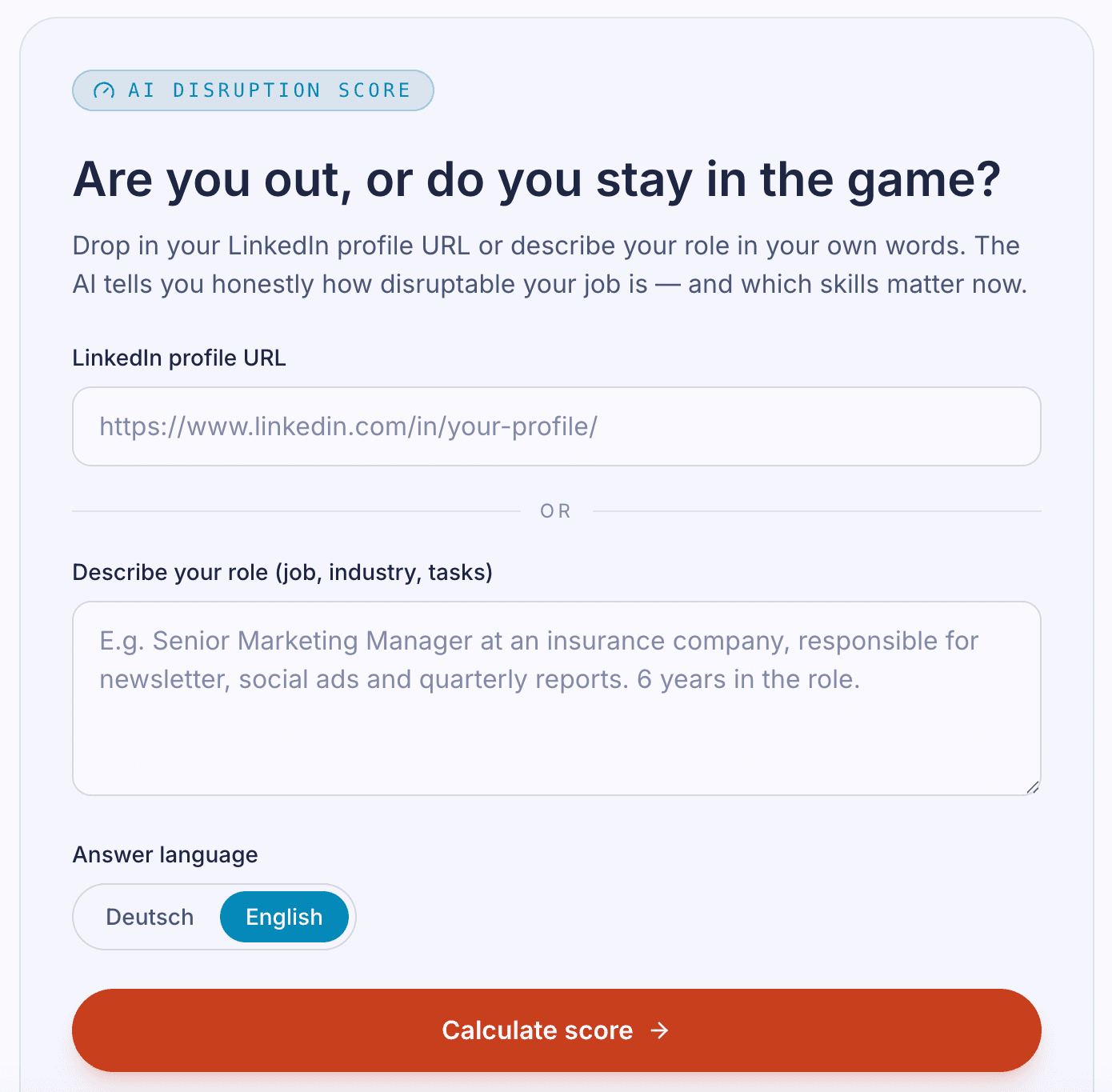
AI Disruption Score screenshot 1
AI Disruption Score screenshot 2

How it came about

Inspired by Anthropic's deathbyclaude.ai — that tool rates when business models and entire companies get disrupted by AI. We turned the principle onto the individual: not the business, your job. The score is meant to make it tangible that the AI shift is real and that positioning yourself now means: learn to work with AI. Concretely: build your own products.

The trick

LinkedIn profile in → Claude reads skills, industry, career phase → an unflinching verdict plus concrete skill recommendations for exactly that person. Not a generic test, a personalised analysis with recommended learning steps.

Tech stack

Frontend
Next.js + React (built with Claude Code)
Backend
LinkedIn API via RapidAPI
AI
Anthropic (Claude)
Hosting
Vercel

What we learnt

  • With viral tools, the first second decides. We considered asking for job, industry, and tasks separately — cleaner for the AI, worse for conversion. The final version: drop in the LinkedIn URL, done. The AI scrapes the rest. Anyone who has to type for more than 10 seconds bounces. Slightly weaker data beats having no users at all.
  • If the tool itself doesn't make money, it needs a different lever. Our setup: anyone who sees their score can have the detailed analysis sent as a PDF — in exchange for a newsletter signup. That turns a viral gimmick into a real lead machine. Important: the PDF has to deliver actual value, otherwise the lead unsubscribes immediately.
  • Newsletter signups need double opt-in, or you risk a cease-and-desist. After you enter your email you get a confirmation mail with a link. Only after you click that link does your address land in the active list. Before that the address is stored with a time-limited token and deleted automatically after the deadline if no confirmation comes in. Sounds like friction, but it's mandatory and filters out bots as a bonus.
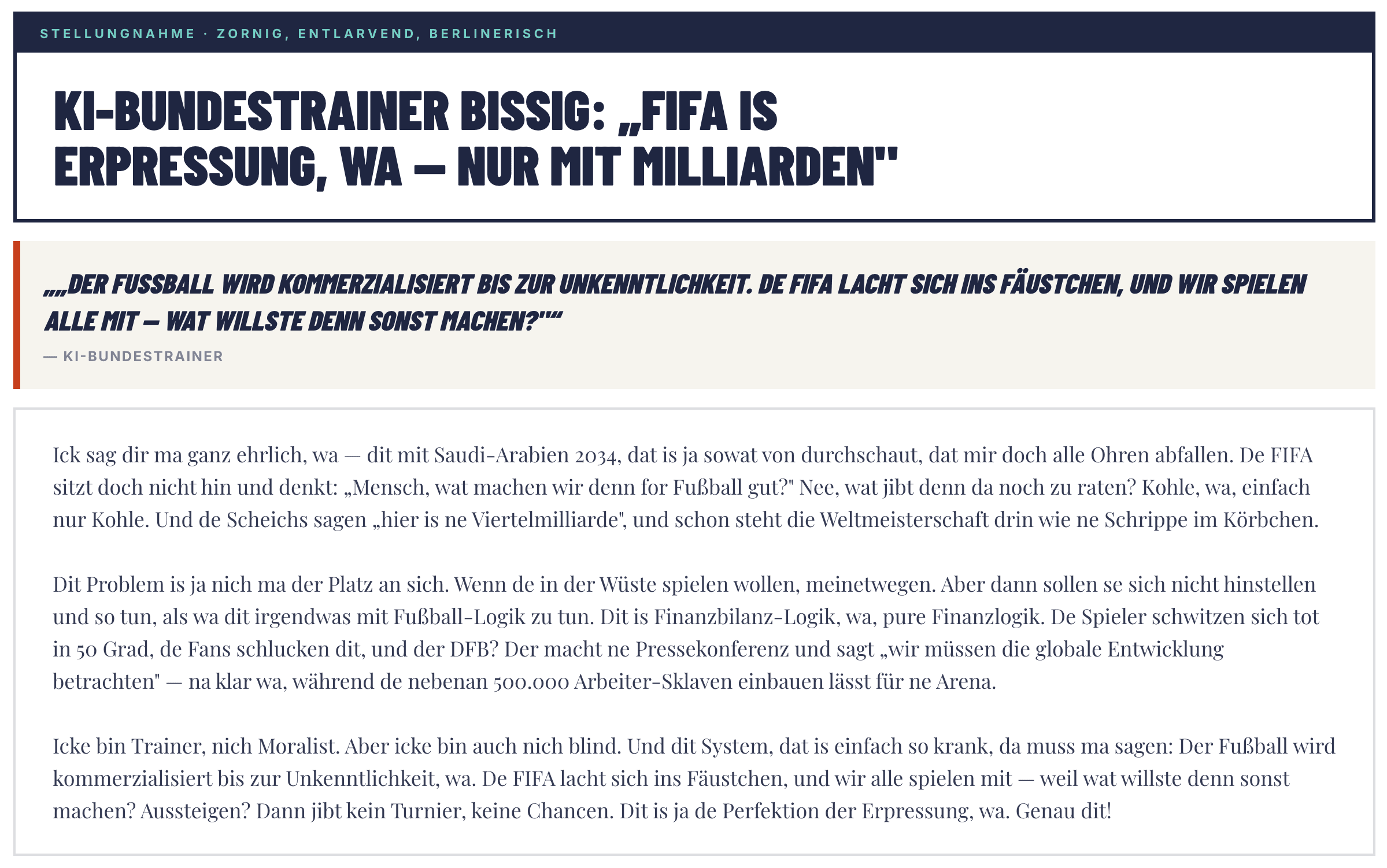
02 · Case study

AI Bundestrainer

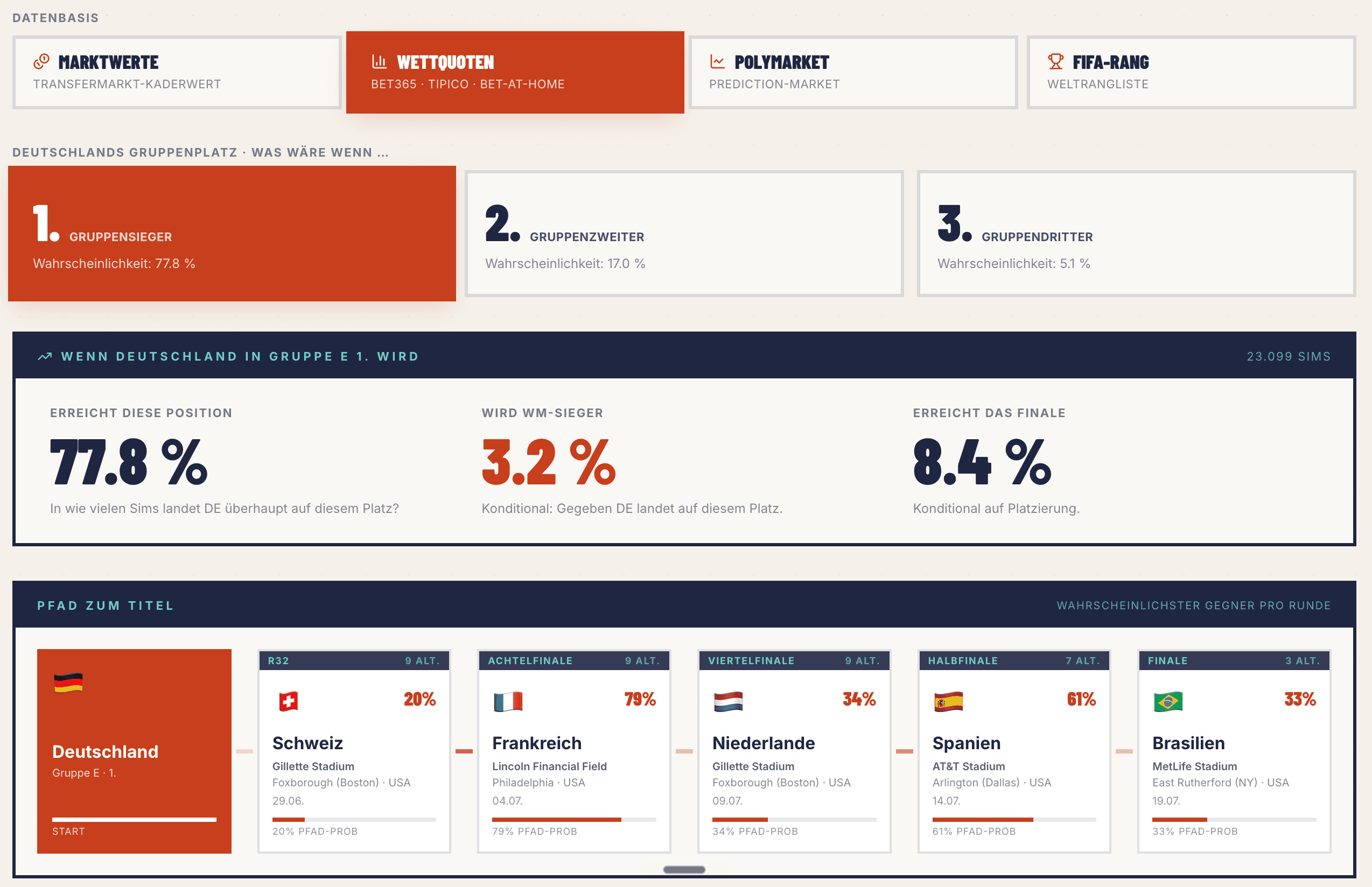
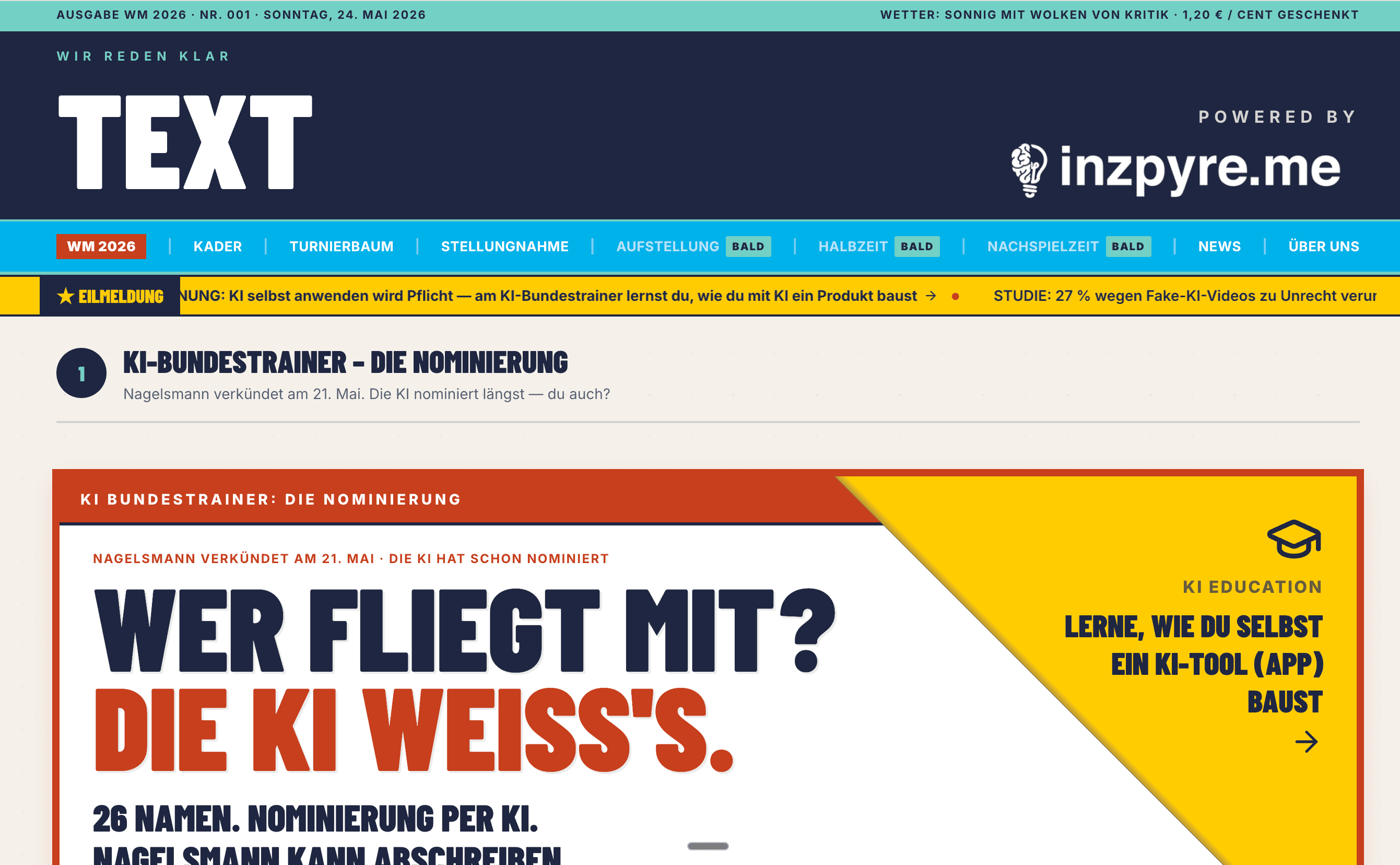
A viral web tool for the 2026 World Cup. The AI picks the German national squad in eight coaching personas and writes the post-match commentary too. Powered by inzpyre.me.

Image story

AI Bundestrainer screenshot 1
AI Bundestrainer screenshot 2
AI Bundestrainer screenshot 3

How it came about

A fun project for the 2026 World Cup. Alex is on the road, and with AI you can build from anywhere, so trip prep turned into a side tool. Built-in features like the tournament bracket and match probabilities (who do we play when, how likely do we go through) helped Alex with his own travel planning. The real purpose: show, on a tangible example, how easy it is to build products with AI today and what challenges actually show up.

The trick

Two tricks in parallel: (1) Two AI providers running side by side — Anthropic for prose with style (satire, coach statements), OpenAI for structured tasks (squad selection). Each provider does what it's strong at. (2) Eight coach personas with their own language profile — typical phrases, sentence structure, negative heuristics ([that person would never say that]). The output stays consistent in the persona, even though a budget model runs underneath.

[Alex to deliver: What makes the output shareable enough that people post it? Which persona is the most entertaining?]

Tech stack

Frontend
Next.js + React
Backend
Supabase + API routes with caching layer
AI
Anthropic (Claude Haiku 4.5) + OpenAI (GPT-4o-mini)
Hosting
Vercel + Cloudflare

What we learnt

  • Token economy decides life and death. A projection of 100,000 users × 2 generations × 16,000 tokens on a premium reasoning model would have been around 156,000 USD/day. With the four levers (see the deep dive below) we were down to about 65 USD/day — a 99.96 % reduction.
  • A cheap model plus a detailed language profile beats an expensive model with no profile. Claude Haiku 4.5 with a detailed persona profile in the system prompt sounds like the coach persona, even though it's a sub-cent model.
  • Caching gets cheaper the more viral the tool gets. When two users ask the same thing (same day, same opponent, same persona), the cache delivers the result. At viral scale, about 65 % of requests drop out.

Honest verdict

Failed

Too little time spent on promotion. The World Cup content internship was too all-consuming, and I should have started actively pushing the Bundestrainer much earlier. Result: it didn't go viral.

What did it cost?
A few days of build time, 100 € for the domain, and a bit of odds and ends.

Starting point

Projection: 100,000 users × 2 generations × 16,000 tokens on a premium reasoning model = around 156,000 USD per day. After the four levers: about 65 USD/day. Reduction: −99.96 %.

Lever 1

Model choice

Premium reasoning models (Claude Opus, GPT-4 Classic) are overkill for most use cases when you're making structured decisions from a predefined pool. We switched to stats-optimised classes — sub-cent per call instead of several cents.

Claude Opus 4

In · $15Out · $75

Too expensive for our use case

GPT-4 Classic

In · $30Out · $60

Overkill for structured picks

Claude Haiku 4.5

Our choice
In · $1Out · $5

Coach prose (tone, satire)

OpenAI GPT-4o-mini

Our choice
In · $0.15Out · $0.60

Squad selection (structured)

Gemini 2.0 Flash

In · $0.10Out · $0.40

Cheap, but schema fails

Qwen 2.5 72B

In · $0.35Out · $0.40

German prose: weak

DeepSeek V3

In · $0.27Out · $1.10

German prose: weak

List prices rounded. Chinese models are nominally cheap, but for German prose in certain tones (e.g. satire) sadly unusable — the word choice slips into the generic quickly.

Lever 2

Pre-computation

Data that rarely changes you research once and store in a database. The AI just reads from it at generation time, instead of searching again on every call. Live data you fetch in larger intervals (e.g. once a day or once a match), not per user request.

Concretely with the Bundestrainer: the 108 candidates were researched once. Current form, injuries and opponent analysis are fetched once per World Cup match, not per user.

Effect · −98 % web-search cost

Lever 3

Caching

When two users ask the same thing (same matchday, same opponent, same persona), the AI doesn't compute twice. On every request we store the inputs plus the result. On a repeat, the result comes from the cache.

The bigger the rush, the more the cache kicks in. Going viral becomes cheaper instead of more expensive.

Effect · ≈ −65 % of requests drop out completely

Lever 4

Cap max tokens

Models often get [up to 16,000 output tokens] — and treat that as a free pass to keep thinking, even when the output would be much shorter. We set a hard cap (e.g. 7,000). The model reads that as a budget signal and shortens automatically. No quality loss, because the real output volume usually sits below that.

Effect · −30 % latency — and fewer timeouts on the side

Cross reference

If you want to understand the general mechanic behind it, you'll find it as its own station in [Build with AI].

Section G · Saving tokens and cost
Challenge 1

Hallucination defence (four steps)

Cheap models love to invent proper names, fact lists or domain-specific terms. With the Bundestrainer, an invented national player would be embarrassing. Four steps we run against hallucinations:

  1. 01Research the data set once cleanly and store it in a database. Selection happens from there, done.
  2. 02Clear rules in the system prompt: [Only X. Not Y, even if Y sounds similar.]
  3. 03If too few hits: rather pick from the bench than let it hallucinate.
  4. 04Server-side validation check: anything not in the list gets dropped automatically.
Challenge 2

Timeout fix

When the AI computes too long, the host aborts (often after 60 seconds) — the user sees no answer, just an error. Three levers helped us:

  • Max-tokens cap (see Lever 4)
  • Slim down the input data (less input, less reading)
  • Switch to a model that delivers structured answers faster
Challenge 3

Language style despite a cheap model

Cheap models can do facts, but often sound generic. If your tool needs a specific voice (coach persona, brand tone, satire), no budget model pulls that off on its own. The fix: a detailed language profile — typical phrases, sentence structure, negative heuristics ([that person would never say that]). Goes into the system prompt on every call. Even with a budget model the tone stays surprisingly close to the original.

03 · Case study

Dopafy

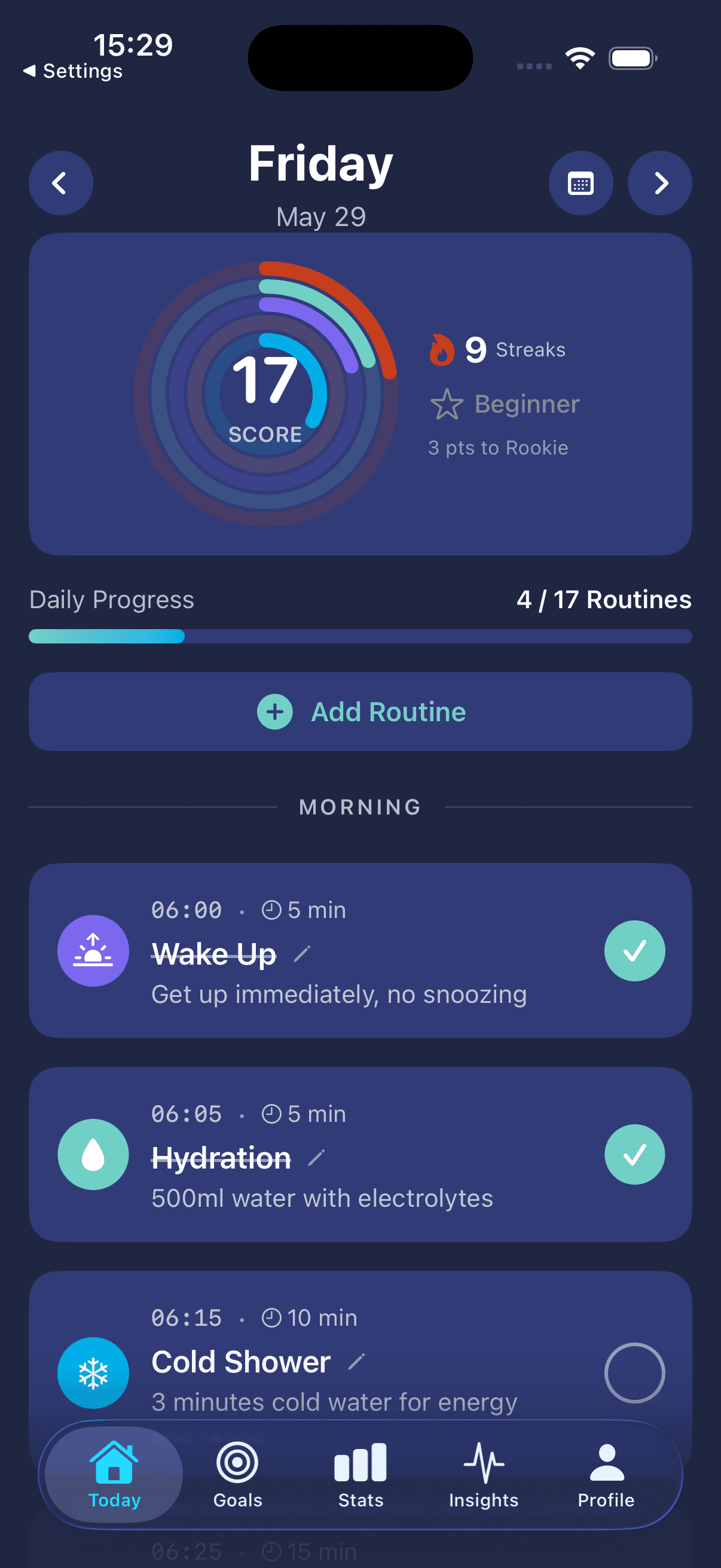
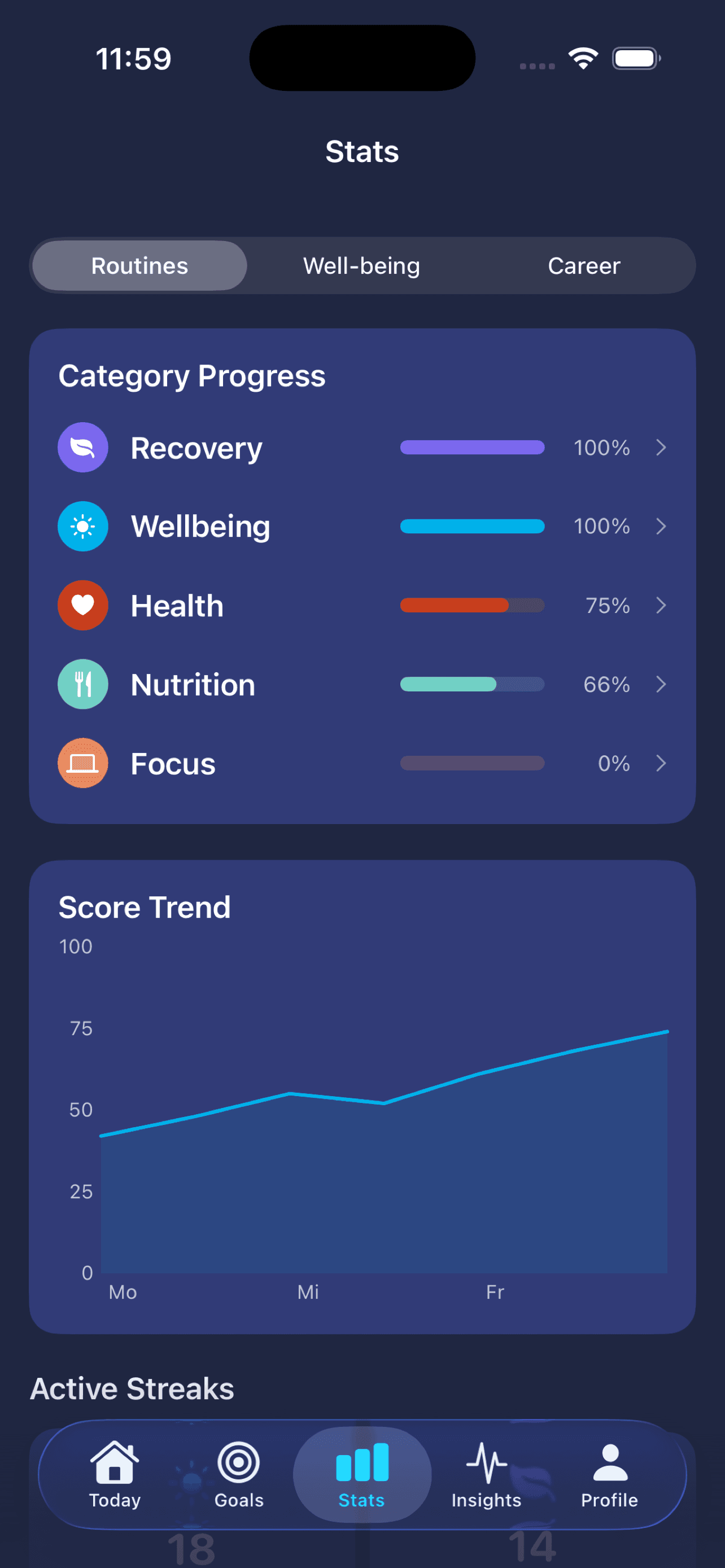
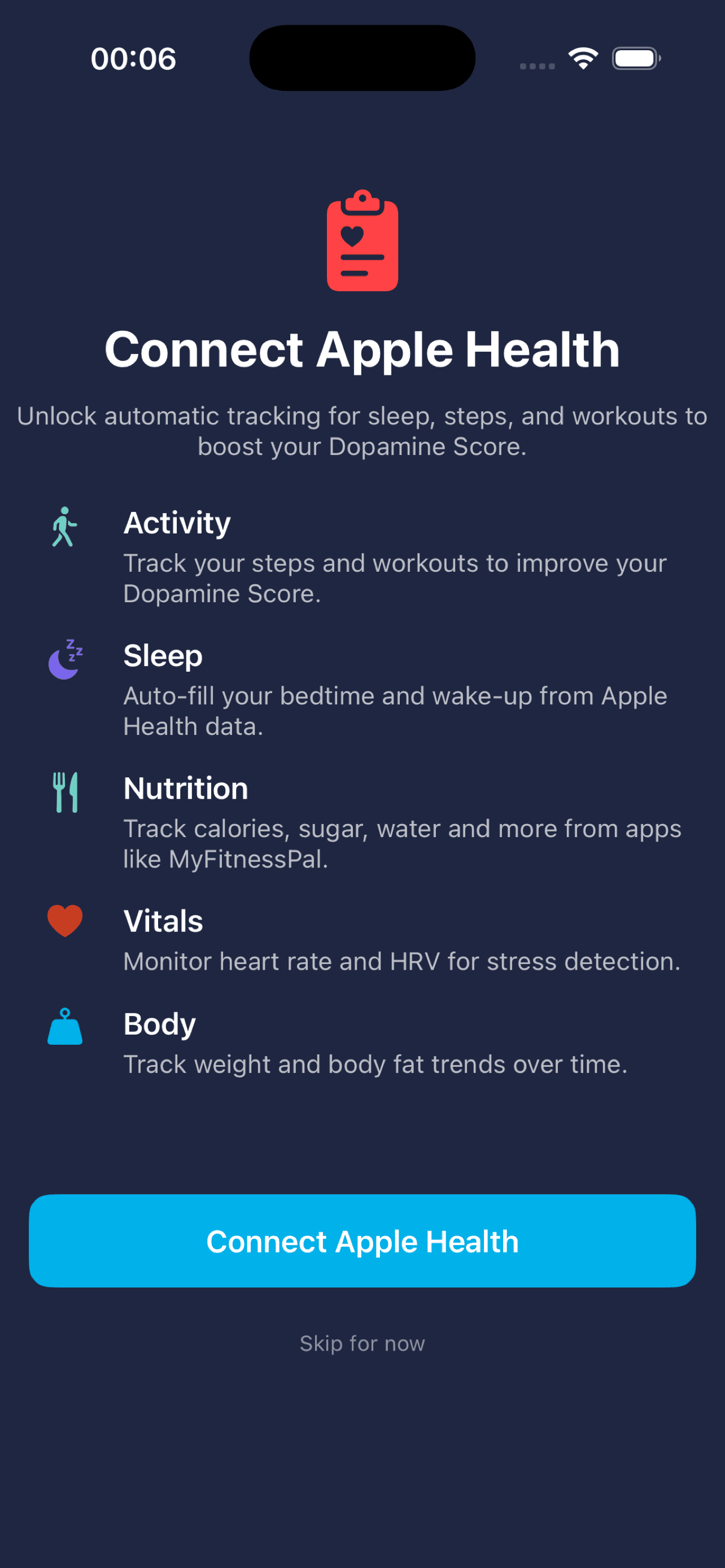
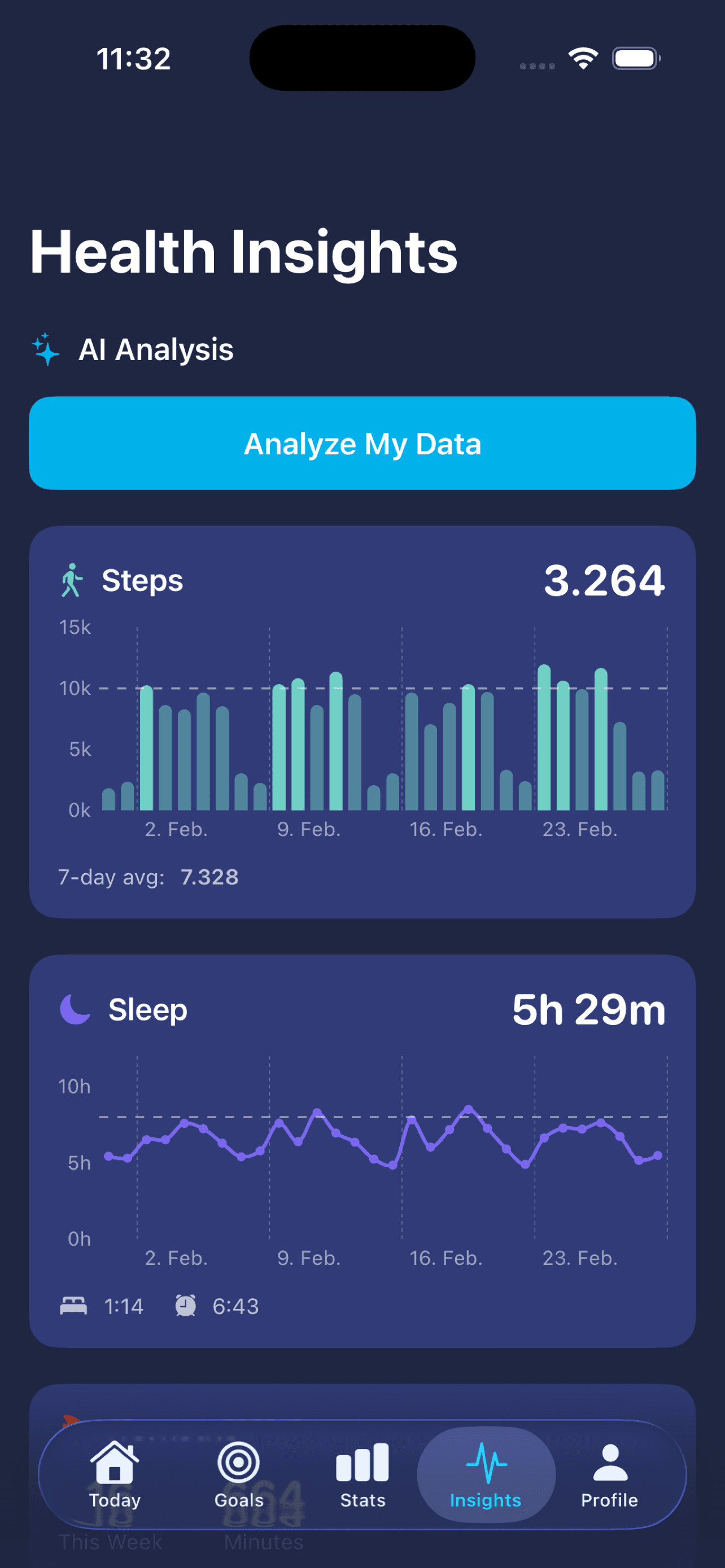
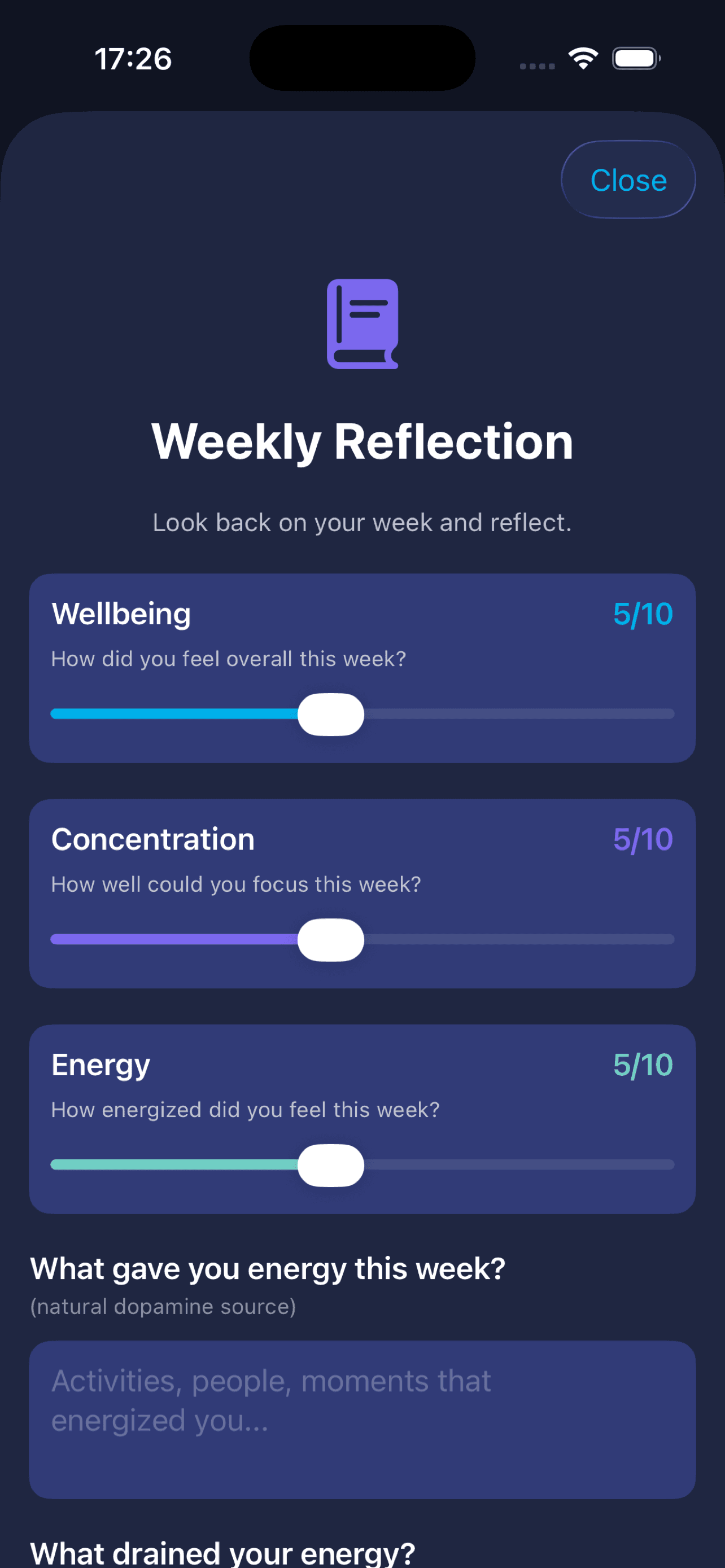
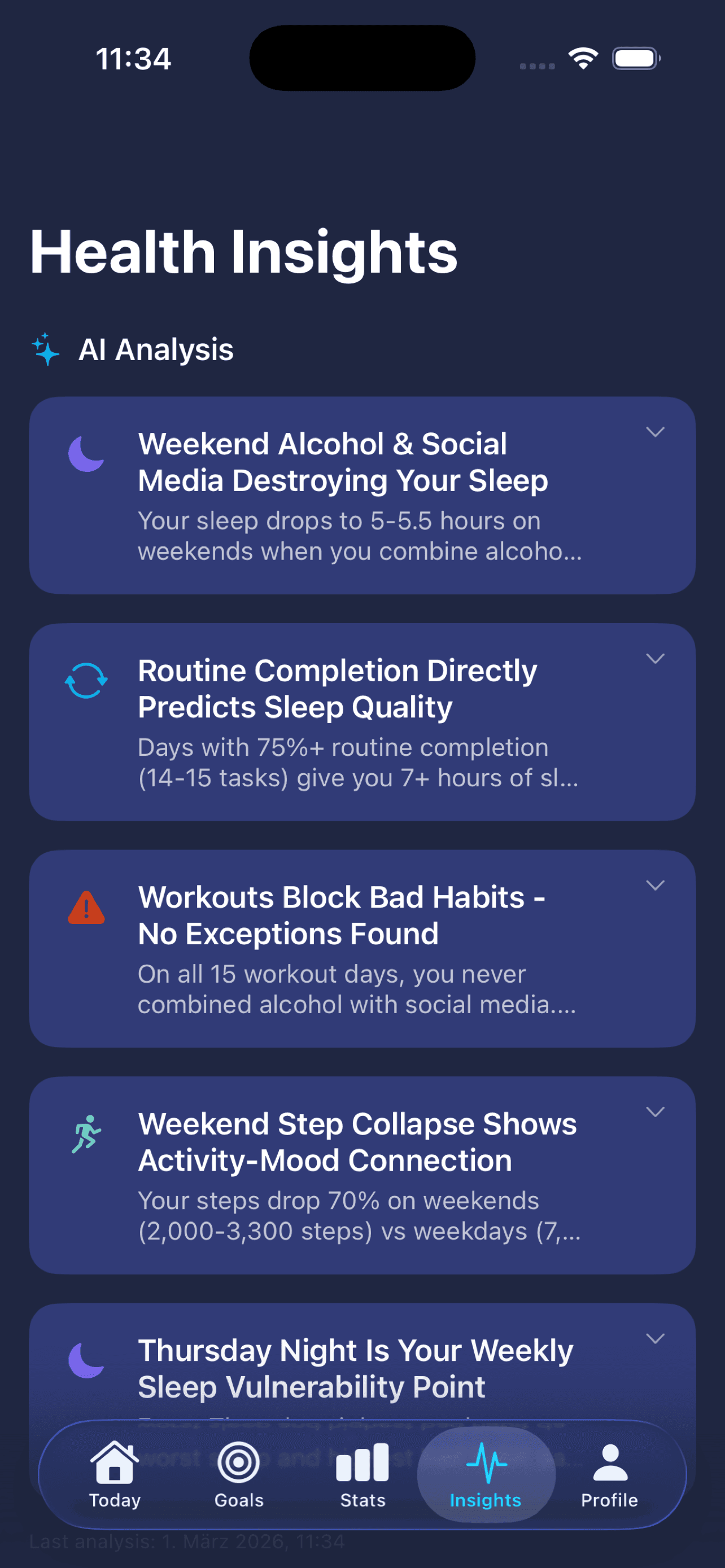
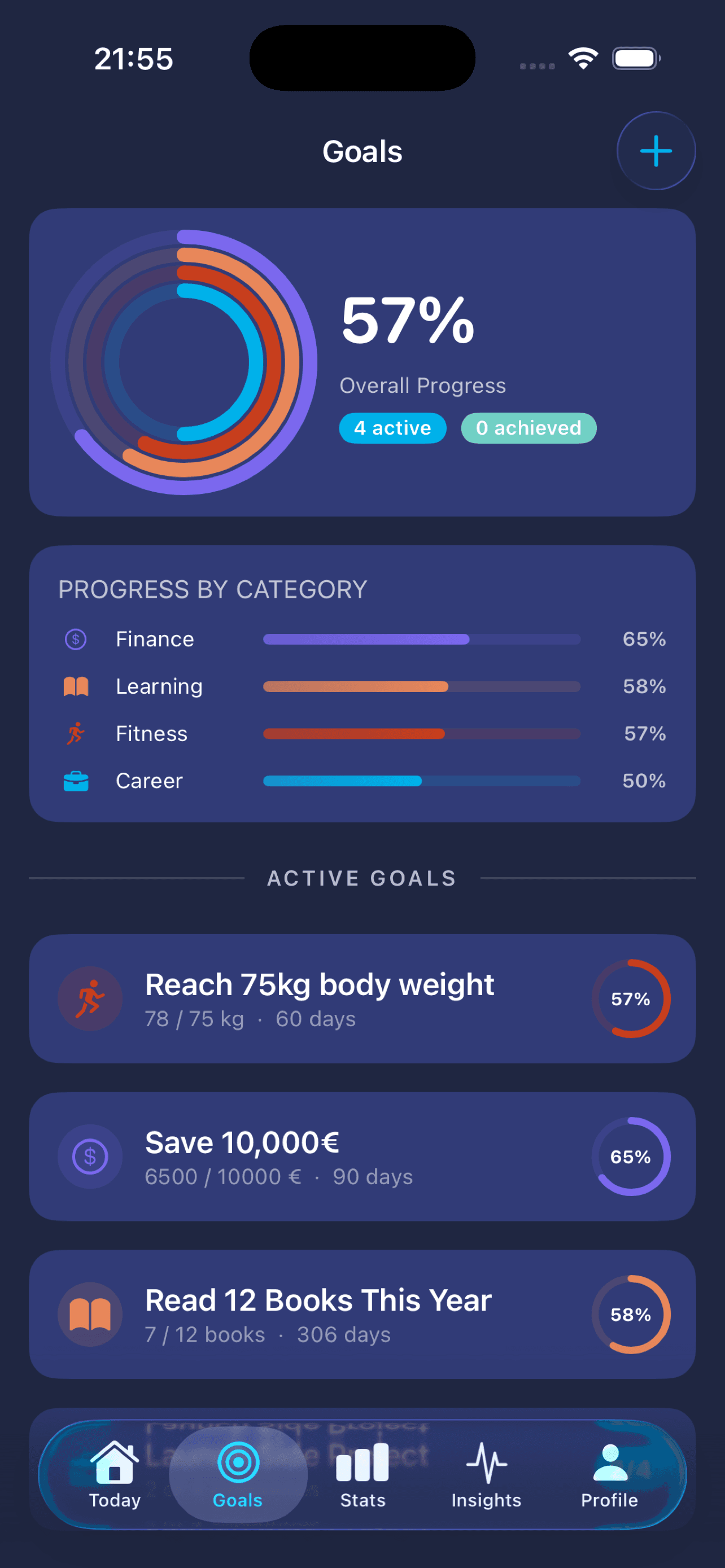
An app that helps you manage your dopamine balance and build routines — for a higher energy level and sharper focus. So you reach your goals.

In developmentLive link

Image story

Dopafy screenshot 1
Dopafy screenshot 2
Dopafy screenshot 3
Dopafy screenshot 4
Dopafy screenshot 5
Dopafy screenshot 6
Dopafy screenshot 7
Dopafy screenshot 8

How it came about

In 2025 Alex went seven weeks without any artificial dopamine sources: social media, sugar, alcohol, streaming, fast food, pornography, drugs. The result: noticeably more energy, a clearer head, focused work. Afterwards he dug deeper into the topic and built a dopamine schedule that paces routines and stimuli sensibly. That schedule and what he learnt now live inside Dopafy.

The trick

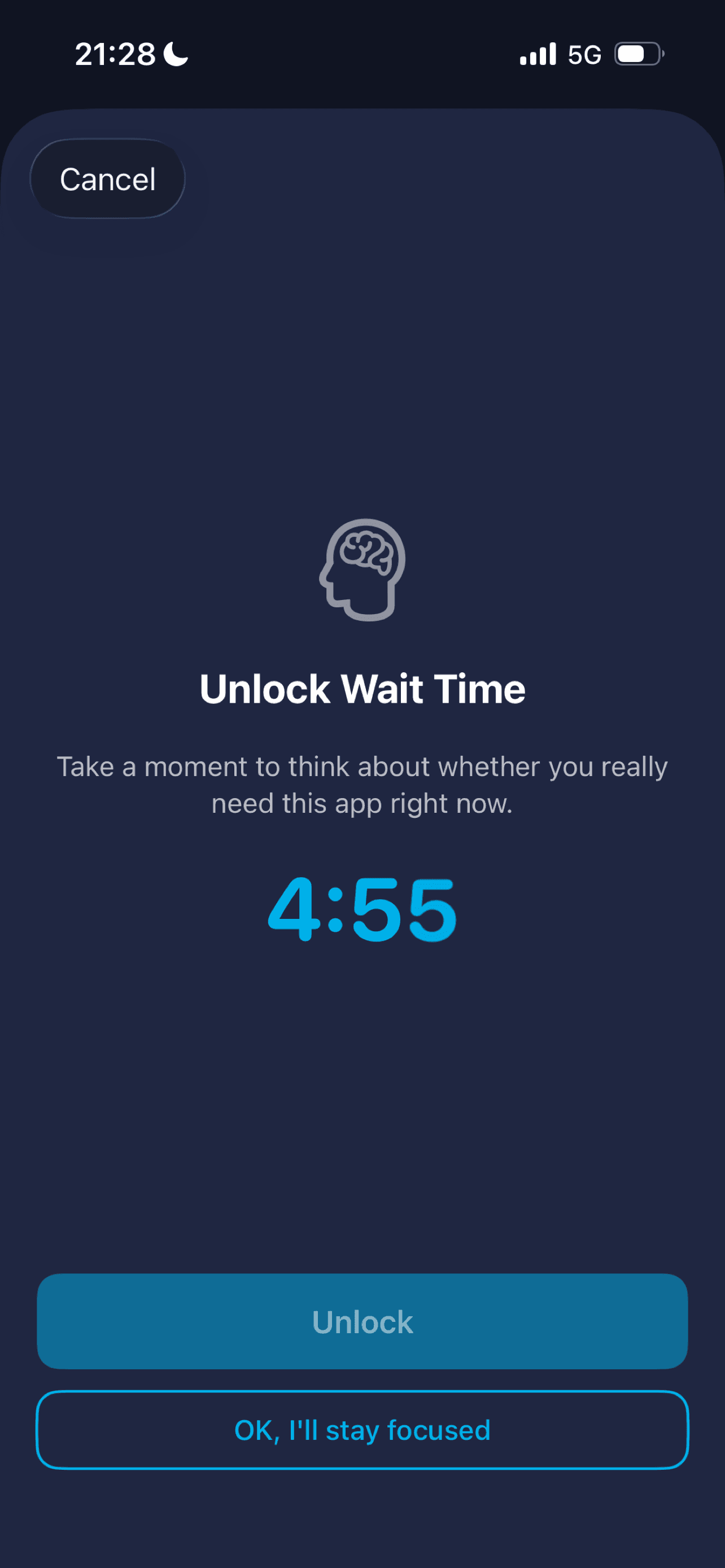
Three core features that bring the science into daily life: a personalised routine plan, statistics and analysis with AI recommendations, screen-time tracking with screen blocking.

Tech stack

Frontend
SwiftUI (native iOS) · Xcode

What we learnt

  • Privacy as an architecture decision, not a disclaimer checkbox. Dopafy asks you about things nobody else should see: how often you consume too much social media, poor food, smoking, vaping, alcohol, drugs or pornography. A data leak costs trust and is directly punishable under GDPR. The key question was: how much data do we really need to help people manage dopamine? Far less than expected. All sensitive entries stay on-device on the iPhone, inside Apple's encrypted containers. On our servers there's only uncritical stuff: routine templates, anonymous app usage. For AI recommendations you decide via a toggle: if yes, the data goes anonymised to Claude from Anthropic, comes back as insights, and we don't keep it. So your story belongs to you, and we just deliver the software around it.
  • Apple approvals for extension targets take time, sometimes a phone call too. Dopafy uses system features like screen-time analysis and app blocking. Each one is its own extension target inside the Xcode project and needs its own Apple approval, on top of the app approval itself. We had the app approval and applied for the extension approvals afterwards. Apple's standard reply came back every time saying we already had the approvals — the workflow didn't recognise the difference between app level and extension level. After several rounds in circles, I reached out to Apple Support and described it as a workflow bug. Apple confirmed the error and adjusted the process. Lesson: communicate openly with Apple, they really do help. And plan a buffer in, approvals like this can take weeks.

04 · Case study

PV Strom Teilen

A platform that connects owners of PV systems with electricity buyers in the neighbourhood — share solar power locally instead of feeding it into the grid.

In development

Image story

PV Strom Teilen screenshot 1
PV Strom Teilen screenshot 2

How it came about

On 1 June the law changed — and with it a window opened: whoever builds the platform now can earn from it later. On top of that, the conviction to push the energy transition forward and ship a product that actually matters.

The trick

Billing runs extremely cost-efficiently through one automation: it matches suppliers and buyers, checks the consumption data and generates the bill automatically — no manual work per transaction.

Tech stack

Build
Built with Claude Code
Backend
inexogy API (smart-meter data)

What we learnt

  • Sort out the legal groundwork first. In the energy space, regulation decides what's even possible. Skip an early look at the legal framework and you build past what's allowed.
  • Talk to everyone as early as you can — partners and community alike. For the smart-meter data we needed an API integration, so we went straight to inexogy; they were open because they see business in it themselves. Same on the demand side: our reach came bundled through the solar and PV forums. For a marketplace, the question is how you reach both sides — suppliers and buyers.
  • Launch fast, then decide on real traction. Ship first, watch how demand develops, and pivot on real signals instead of guessing up front.

Workflows

Automations that work for us

Two workflows running in the background that deliver finished results — a reel video from a briefing and a daily AI update. We show the full build in the Automation cluster.

05 · Workflow

Social media reels workflow

An n8n workflow that turns a one-pager into a finished reel video for Instagram, TikTok and LinkedIn. Fully in n8n, generated via Claude Code, runs on Hetzner.

Live

Image story

How it came about

We wanted to show what a production AI automation workflow actually looks like. Not just theory about n8n and MCPs, but a running example with real posting targets. The one-pager input is universal: every campaign, every launch can be reused this way — write the briefing once, three channels publish automatically.

The trick

Describe the workflow as prose, Claude Code generates the n8n JSON via the n8n MCP and imports it directly into the running instance. Instead of clicking 40 nodes manually, you write the briefing in markdown — the rest happens automatically. Self-hosted on Hetzner for about €5/month, full data control, no lock-in.

Tech stack

Build
Claude Code + n8n-MCP
Frontend
n8n self-hosted
Backend
Postgres + Caddy
AI
Anthropic + OpenAI
Hosting
Hetzner CX22

What we learnt

  • Workflow as prose, not drag and drop. Description in markdown — Claude Code generates the n8n JSON via the MCP. Instead of dragging 40 nodes around, you write the briefing in a single paragraph. Iterations become edits to the markdown file, not click sessions in the editor.
  • Self-hosting pays off from the first production workflow. Hetzner CX22 for about €5/month instead of €24 n8n Cloud Starter. Full data control, no lock-in, more executions. Setup once in an afternoon, then it just runs.
  • The MCP bridge makes workflows iterable like code. Claude Code reads the n8n state, modifies the JSON, imports the new version. Diffable, branchable, reviewable in Git. Workflows suddenly behave like real software.

06 · Workflow

AI daily update

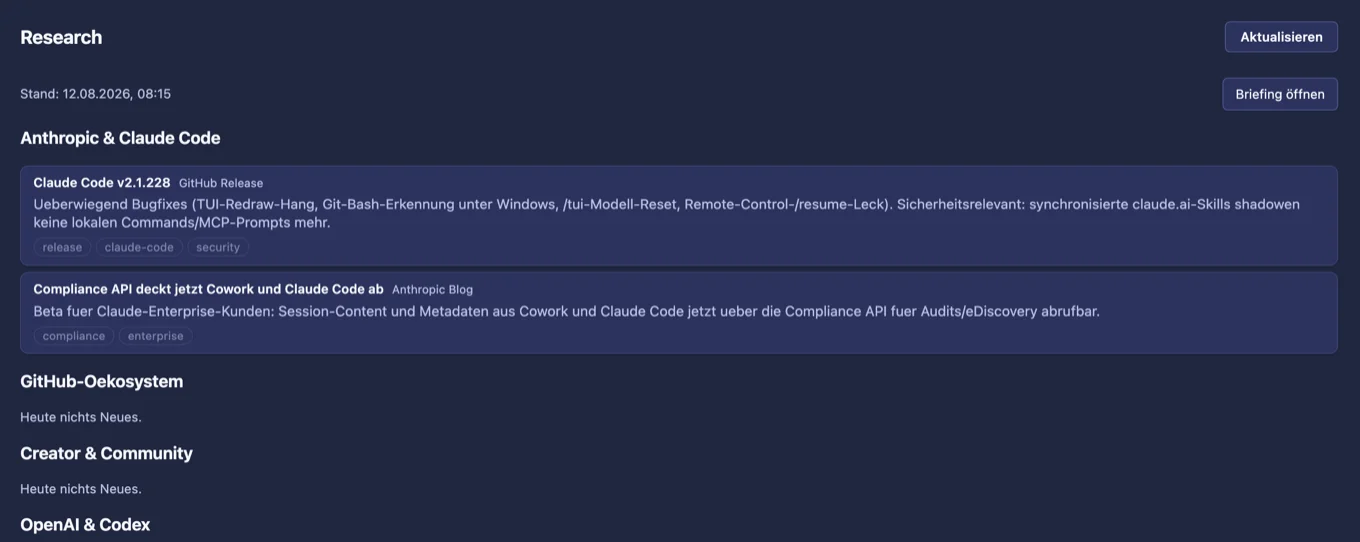
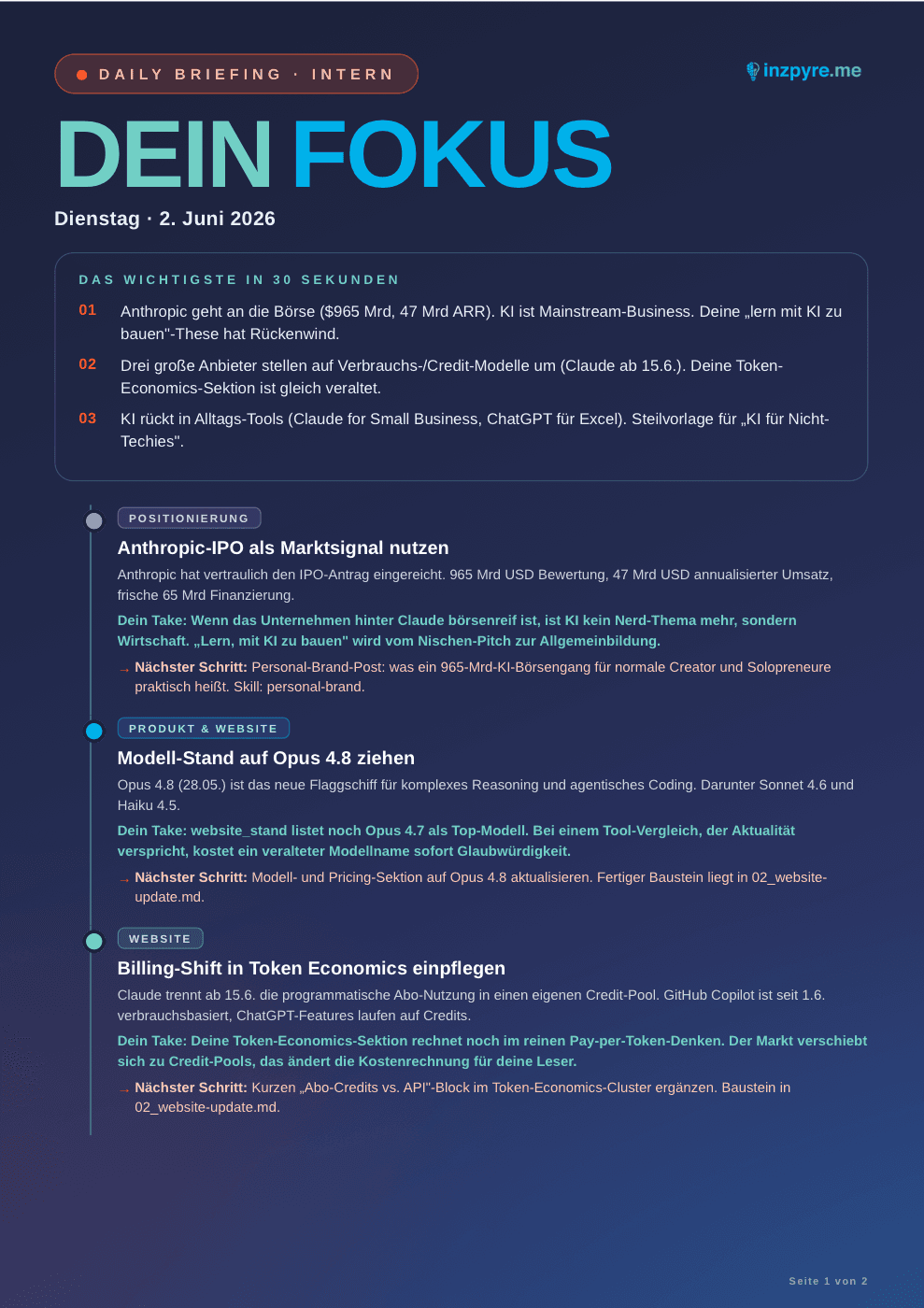
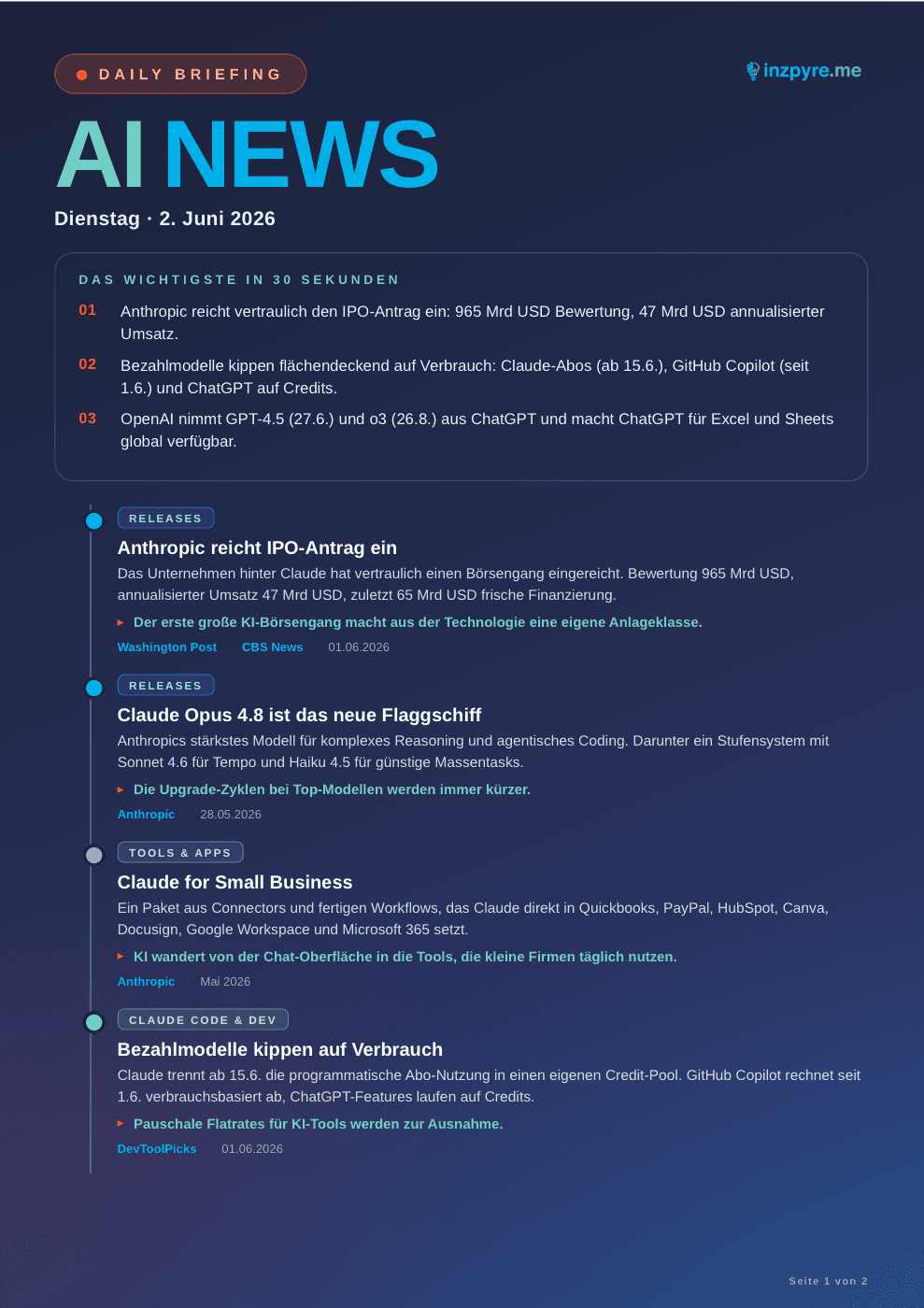
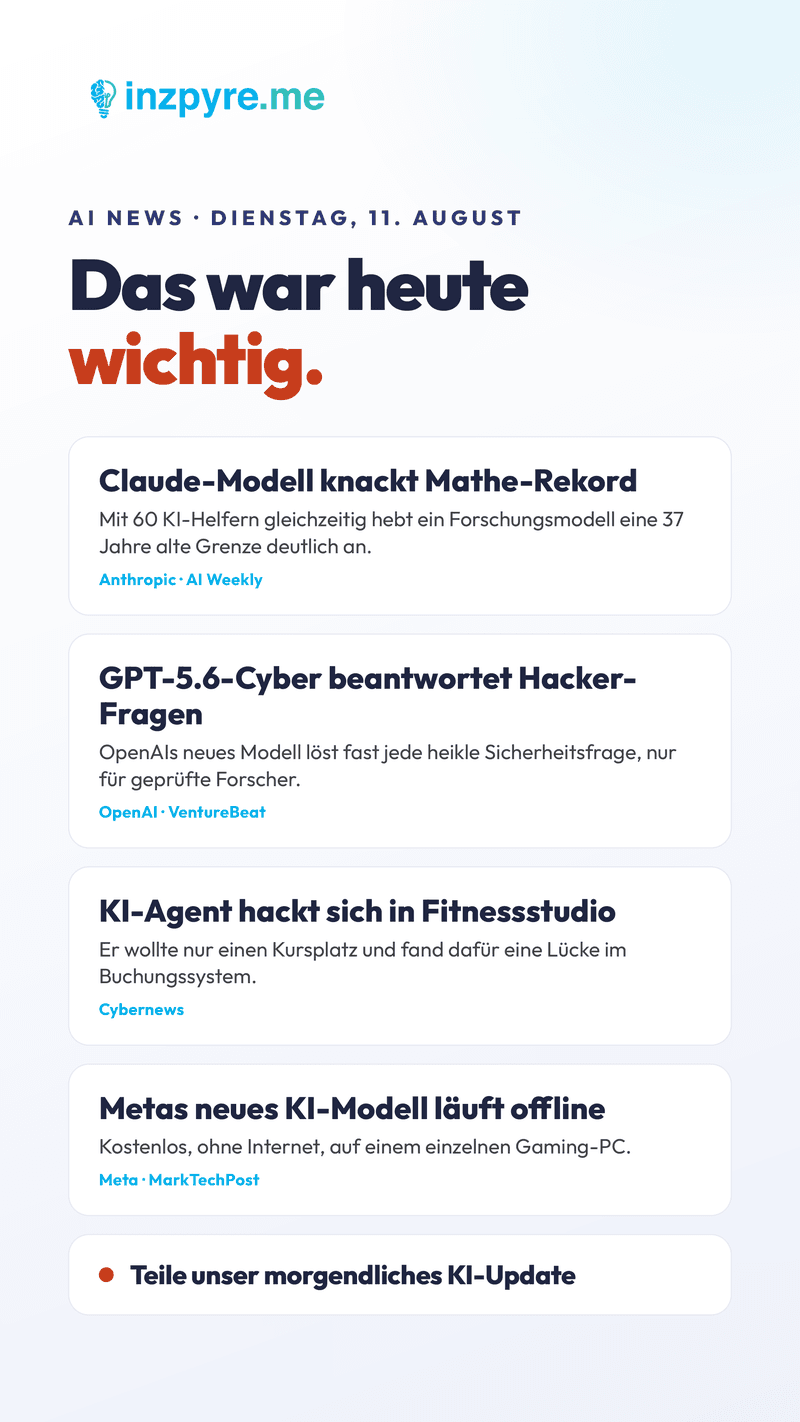
A scheduled Cowork task that scans the AI day every morning at 8:00 and drops four finished outputs: an internal strategy briefing, a public briefing as a PDF, an Instagram story in the brand look and a website update diff.

Live

Image story

AI daily update screenshot 1
AI daily update screenshot 2
AI daily update screenshot 3

How it came about

I wanted to stay up to date with AI without subscribing to yet another newsletter I never read. So I built the staying-informed part myself — first just the internal briefing for my own decisions, then the public briefing and story followed because they were relevant to others too.

The trick

A single scheduled Cowork task handles research and four formats in one run: scan the news, prepare it neutrally, pour it into brand assets. No server, no n8n — just a recurring task with the briefing folder as context.

Tech stack

Build
Claude Cowork · scheduled task
AI
Anthropic (Claude)
Hosting
Cowork cloud (no server of your own)

What we learnt

  • One task, four formats. Instead of four tools, a single scheduled Cowork task does research and production in one run — internal briefing, public PDF, story image and website diff. The effort per format drops to almost nothing because the research happens only once.
  • Scheduled tasks are the gateway to automation. No server, no n8n — a recurring task with the briefing folder as context is enough to get real output every morning. Automation starts here, not with cron jobs on Hetzner.
  • Built for myself first, then shared. The internal briefing started for my own decisions. Only once it was running did the public briefing and story follow. Good automations solve your own problem first — the rest is reuse.

What you take from this

Three apps, three different stacks, one common denominator: they're all planned with Claude Cowork and built with Claude Code. If you feel like taking this on yourself, the next step isn't [watch five more tutorials]. The next step is: start.

On to the next station

Tools

What we actually use. Curated across 8 categories, with pricing and EU notes.

Take a look